Introducing FlixQuest V4
FlixQuest APK Download for Android

A free, open-source Android app for live TV, series, and movies. Works on Firestick, Android TV, and mobile.
v4.3.3 · Free · No subscription
What is FlixQuest?
FlixQuest is a third-party streaming application that enables users a large catalog where you can watch or download your favorites.
It is built with Flutter, licensed under GPL-3.0, and uses TMDB for titles, cast, and artwork.
Why people pick FlixQuest
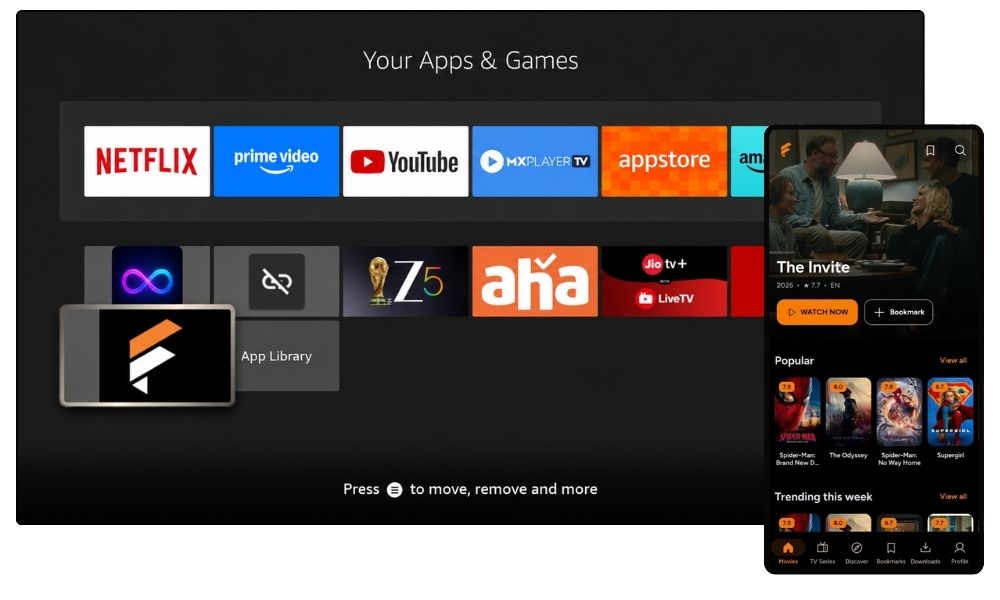
Most streaming apps make you juggle logins and paywalls. FlixQuest gives you one clean place to find something, press play, and pick up where you stopped. Watching is free, and the code is public for anyone to inspect.
Why?
Features
Discovery that skips the scroll
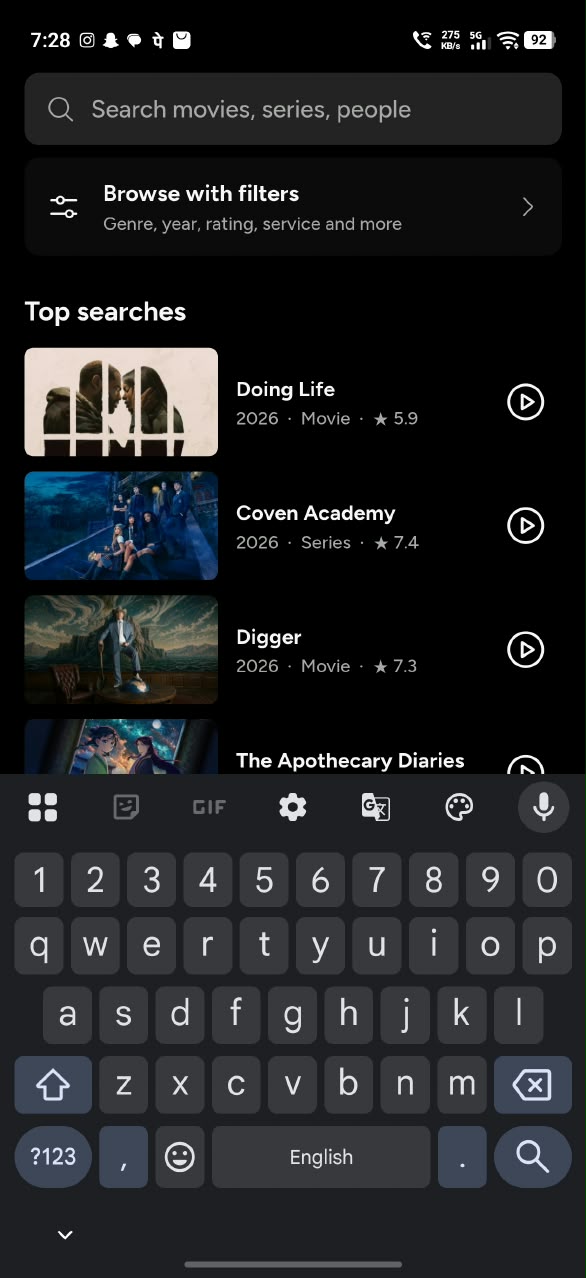
Trending, top rated, genres, release year, streaming provider, and country filters, plus a random pick when you can’t decide.
Ad-Free
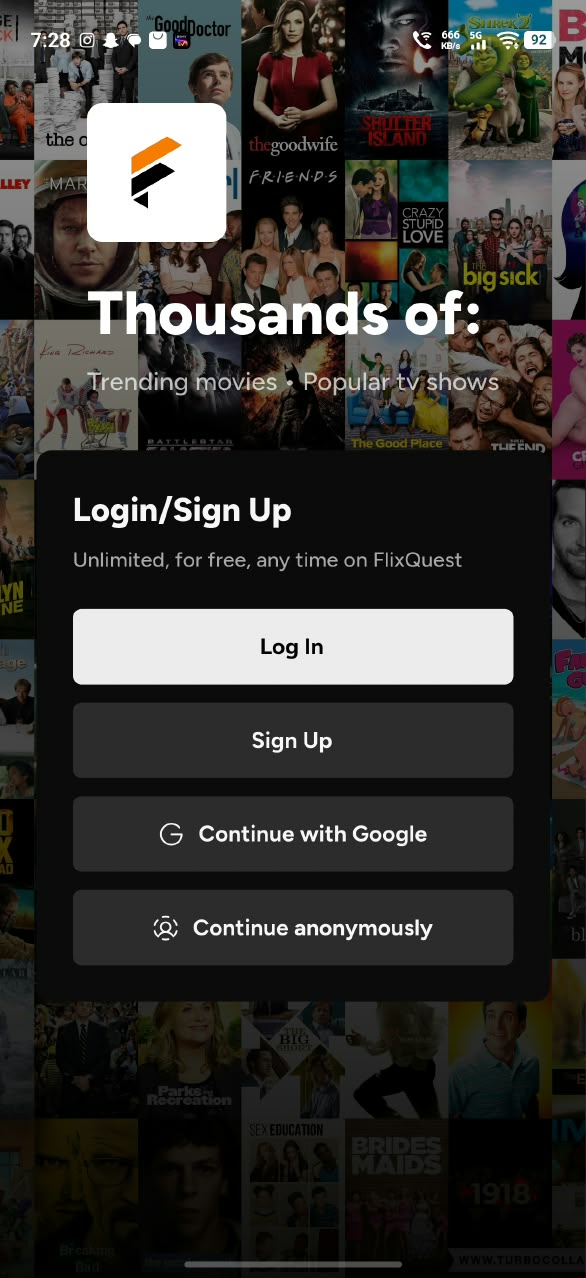
The app runs with zero ads during playback or navigation.
A player with the basics covered
Quality selection, casting, and picture-in-picture.
Series done properly
Season and episode browser with thumbnails, air dates, and a quick episode switcher.
Subtitles your way
Multi-language search, your own .srt or .vtt files, and custom size and colours.
Advanced Search
Type a title or keyword into FlixQuest’s search bar and the right result shows up fast. No scrolling through endless rows.
Live Channel
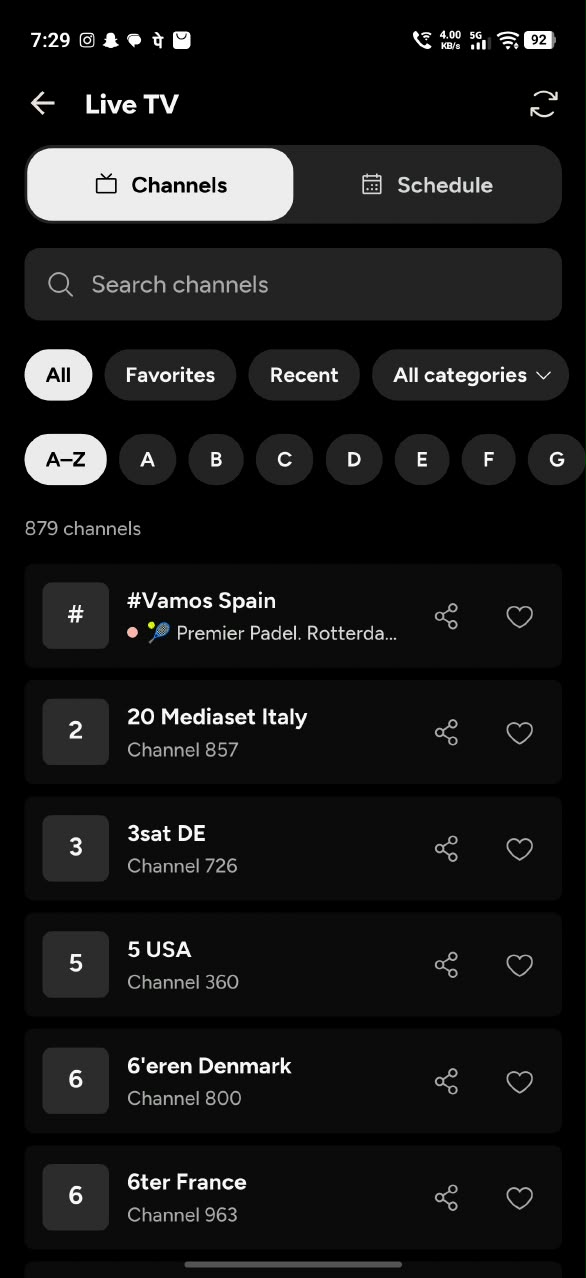
A dedicated live TV hub for sports, news, and other television programs.
Sync across devices:
Bookmarks and watch history follow your signed-in profile.
Themes
Light, dark, AMOLED black, and Material 3 dynamic colour.
APK INFO
FlixQuest APK Information
| App Name | FlixQuest |
| Version | V4.3.3 |
| Size | 82 MB |
| Root Required | No |
| Content Rating | 12+ |
| Downloads | 200K+ |
| Category | Entertainment |
| Price | Free |
Choose your screen
FlixQuest comes as a single version that works on every screen type, from phones to TVs, and adapts responsively to fit each one.
Android phone & tablet
Download the FlixQuest APK
Download APKInstall FlixQuest on Android phone or tablet
- In Settings, enable “Install unknown apps” for your browser or file manager.
- Download the APK using the button above.
- Open the file and allow installs when asked.
- Tap Install, then open FlixQuest.
Install FlixQuest on Windows PC or Mac
- Install an Android emulator such as BlueStacks or LDPlayer.
- Download the FlixQuest APK on your PC.
- Load the APK into the emulator using “+APK” and install.
- Open FlixQuest from the emulator home screen.
Android TV + Fire TV
Install with Downloader
Open the Downloader app and enter the code below in its URL box.
Install FlixQuest on Android TV
- Download the FlixQuest APK to your TV using the Downloader app and its code, or transfer the file by USB.
- Open it with Downloader (a file manager) and install.
- Launch FlixQuest from your apps row.
Install FlixQuest on Firestick / Fire TV
- Install the Downloader app from the Amazon Appstore.
- In Settings, allow installs from unknown sources for Downloader.
- Enter the code above in Downloader, install, and launch.
- Put the code above in Downloader’s Enter a URL or code option and click Go.
- Click Install.
- Open FlixQuest
- Delete FlixQuest APK file from storage.
App Showcase
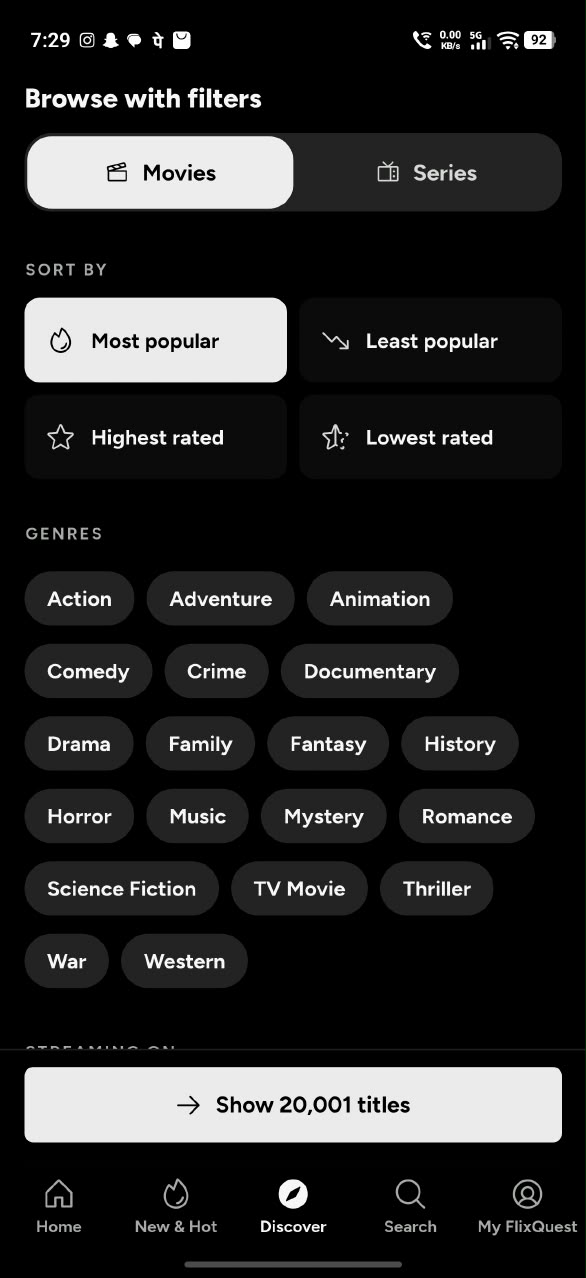
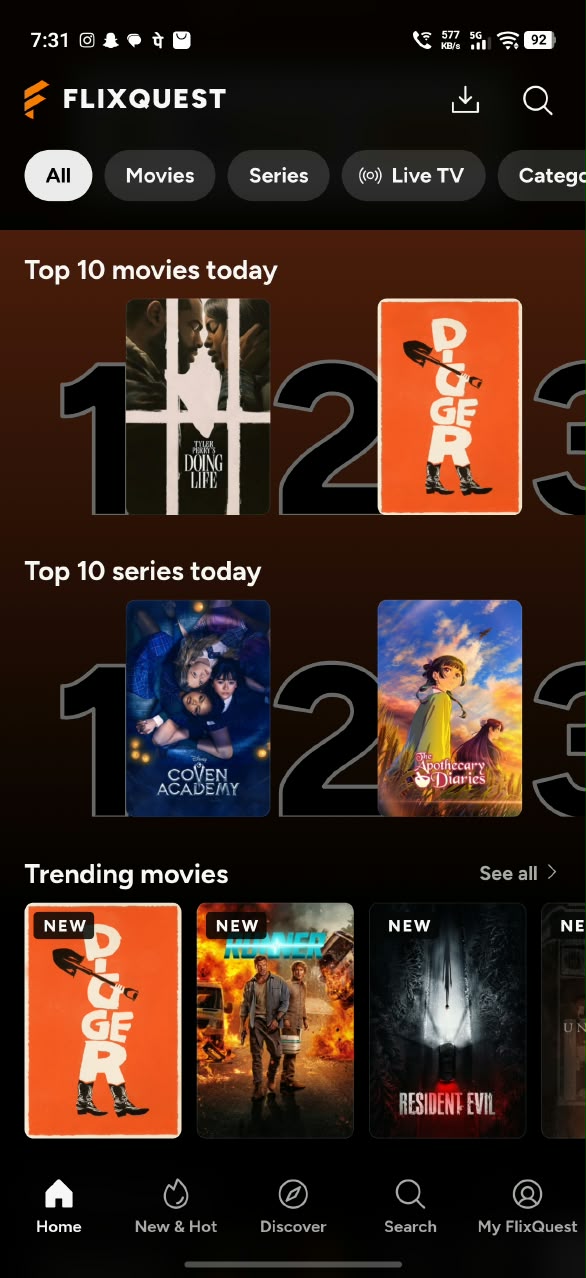
FlixQuest vs other streaming Apks
| Feature | FlixQuest | Other streaming apps |
|---|---|---|
| Cost | Free to use, with no hidden fees. | Often requires a premium version for extra features like ad free. |
| Source code | Open source under the GPL-3.0 license. | Usually closed source. |
| Devices | Android phone, tablet, Android TV, and Fire TV in one app. | Often phone only, or a separate TV version. |
| TV controls | D-pad navigation and a 10-foot layout on Android TV. | Often a stretched phone layout. |
| Offline downloads | Select a source and quality, download for offline watching. | Often streaming only. |
| Sources | Auto-load sources and TMDP proxy | Often requires Real-debrid or other premium sources. |
| Live TV | Channel categories, search, and event schedules in your local time. | Often not included. |
| Viewing Insights | Track your active playback hours, your viewing rhythm, and your taste by genre, language, country, and more. | Only bookmarks or watch list |
Have Questions? Answered.
Is FlixQuest free to use?
Yes, FlixQuest is free to download and use. Access without any subscription.
Do I need a FlixQuest account?
No. FlixQuest does not require an account. You can use the app as a guest, or sign in to sync and manage your content across devices.
Does FlixQuest work on Amazon Fire TV devices?
Yes, you can sideload FlixQuest onto compatible Amazon Fire TV devices using the Downloader app. However, make sure your device runs Fire OS, not Vega OS.
Does FlixQuest support subtitles?
Yes, FlixQuest supports subtitles in multiple languages.
How to update FlixQuest?
You can update FlixQuest in two ways:
- In-app notification: When a new version is available, an update banner appears at the top of the app. Tap it to start the update.
- From Settings: Open FlixQuest, go to Settings, scroll to the bottom, and tap App updates. Then tap Download update. Once the download finishes, tap Install. After the install completes, tap Delete download to clear the file.
Does FlixQuest host movies, series, or live TV?
No. It shows metadata from TMDB and connects to third-party sources. It does not host or upload any media.